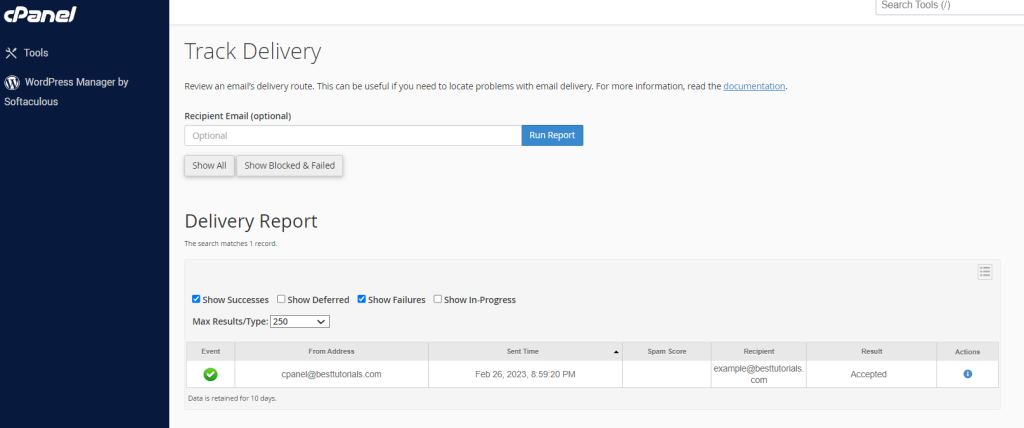
Track Delivery – cPanel
This Interface of cPanel is used to see delivery reports of emails. This interface can show the errors, while sending your email. You can also see spam scores of your emails. A spam score… Read More
Category
This Interface of cPanel is used to see delivery reports of emails. This interface can show the errors, while sending your email. You can also see spam scores of your emails. A spam score… Read More

You can customize the way a directory looks in your website. By default, cPanel displays the list of files and directories, if there is no index file in that directory. You can choose the… Read More
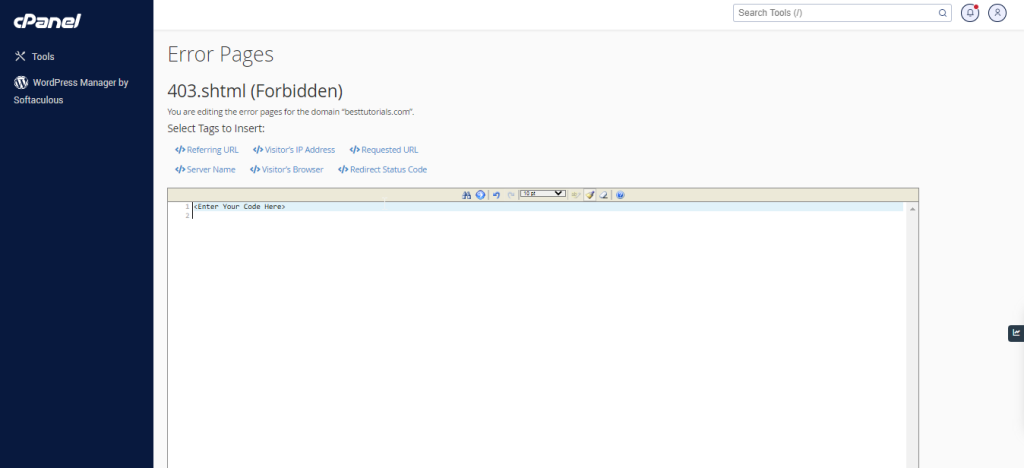
When visitors browse your website and there is some problem accessing your website, your webserver automatically provides a basic error page. A Basic error page shown by apache webserver, when an error is encountered.… Read More

MIME (Multi–Purpose Internet Mail Extensions) types tell the browsers how to handle certain types of files. When a file is sent to a browser of your website’s visitor, it also sends the MIME type… Read More
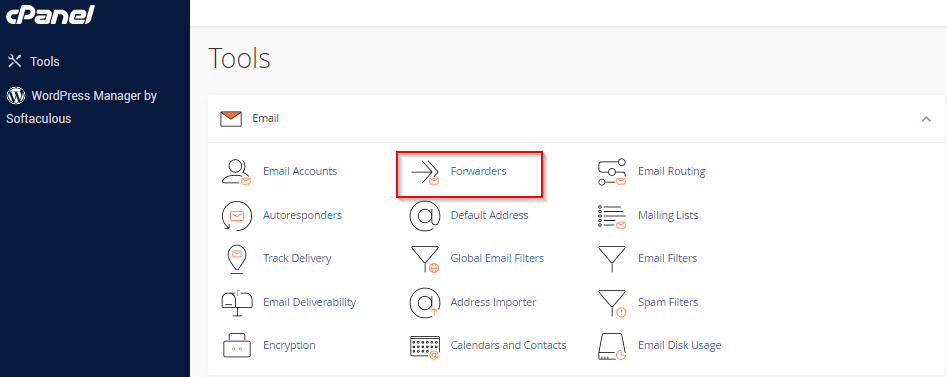
You can create multiple email account in your cPanel email as per your need. When the number of emails accounts get higher, you will need to open each account to view the emails received.… Read More

You can add or modify Autoresponders for your email accounts through this interface. You can configure an email to send an automated reply to all emails you receive to your email account. You can… Read More