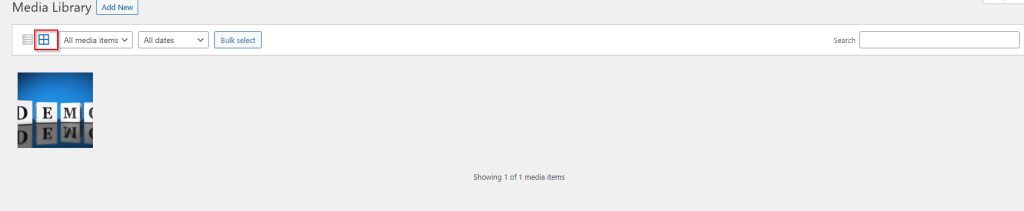
WordPress – Media Library
In this chapter, we will learn about Media Library in WordPress. Media Library consists of the images, audios, videos and files that you can upload and add to the content when writing a Post or Page. Here you… Read More
Category
In this chapter, we will learn about Media Library in WordPress. Media Library consists of the images, audios, videos and files that you can upload and add to the content when writing a Post or Page. Here you… Read More
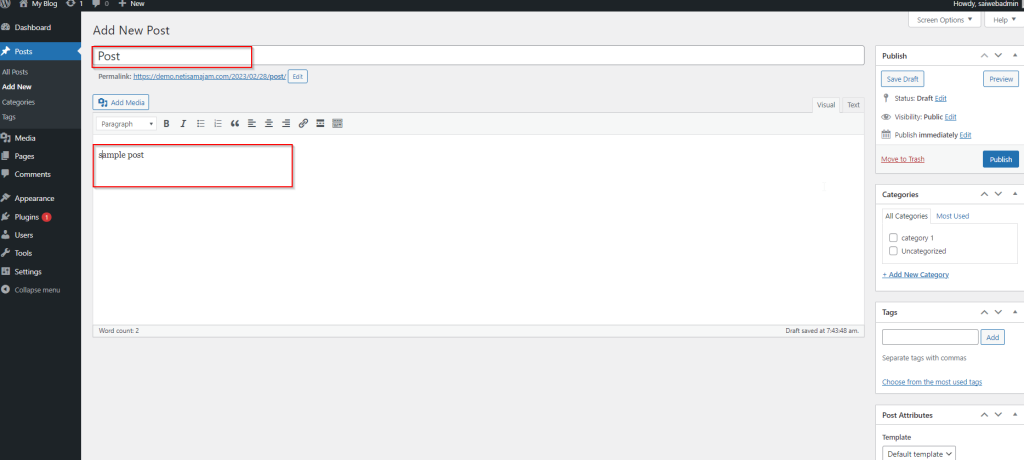
In this chapter, we will study how to Publish Posts in WordPress. Publish is used to make the post available to all the users wherein every user can view that particular post. Publishing a new post… Read More
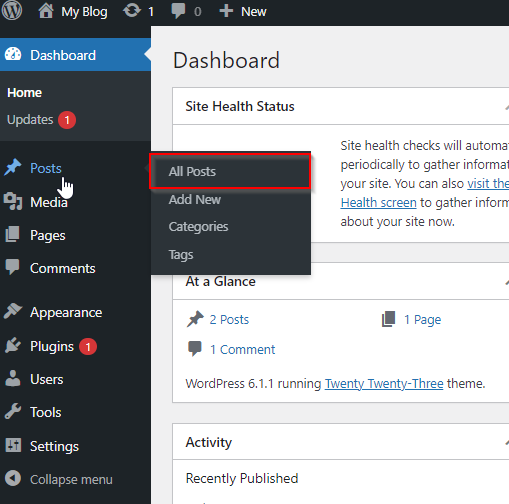
In this chapter, we will study how to Preview Posts in WordPress. Preview Post is to view the post before it is published to the user. It is safer to preview your post and verify how your post… Read More

In this chapter, we will study how to Edit Posts on WordPress. Following are the simple steps to Edit Posts in WordPress. Step (1) − Click on Posts → All Posts in WordPress. Step (2) − You can view Post1… Read More

In this chapter, we will study how to Add Posts in WordPress. Posts are also known as articles and sometimes referred as blogs or blog posts. These are used to popularize your blogs. Following are the simple steps… Read More

In this chapter, we will study about how to Arrange Categories in WordPress. You can't arrange categories directly in WordPress. Hence, you will need to install Categories plugin to arrange the created categories in a particular way. Step… Read More