Cpanel
How to show hidden files in Filemanager
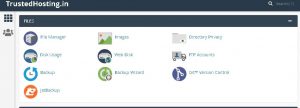
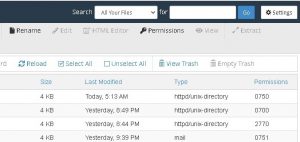
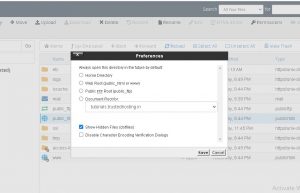
On your cpanel dashboard go to Filemanager Click Settings in the upper right corner Select your Document Root and check the box for Show hidden files and click Save Originally published on WebyStrata Blog.
- On your cpanel dashboard go to Filemanager
- Click Settings in the upper right corner
- Select your Document Root and check the box for Show hidden files and click Save
Originally published on WebyStrata Blog.
Related Articles